Google Maps for restaurants: how to show up first when people search nearby
When someone searches “steakhouse near me” in Palermo, Google picks who to show in seconds. Here is what you can control and what you can’t.
Many new guests find you on their phone, searching “where to eat nearby”. That makes Google Maps for restaurants your main shop window, not an extra. And what shows up there depends almost entirely on your Google Business Profile, which is free and can be sorted out in an afternoon.
How Google decides who to show
Google says local results are ranked by relevance (how well your profile matches the search), distance and prominence (reviews, mentions, activity). You can’t move your address. The other two are in your hands.
Example: a beer bar in Villa Crespo listed as “Bar”, with no hours and old photos, competes with one three blocks away listed as “Brewpub”, with an online menu and answered reviews. For “craft beer near me”, the second wins even if the first pours better beer.
Google Business Profile in 6 steps
- 01
Claim and verify the profile
Use the restaurant’s email, not a staff member’s. Google often asks for a video of your sign and kitchen.
- 02
A specific primary category
It matters most: “Steak house”, “Coffee shop”, “Wine bar”. Add two or three accurate secondary ones.
- 03
Real name, no keyword stuffing
The one on your sign. Adding “best steakhouse Palermo” breaks Google’s rules and risks suspension.
- 04
Hours and attributes
Set special hours before every holiday. Attributes: gluten-free, vegan, outdoor seating, reservations, delivery.
- 05
Link your menu
Paste your online menu into the “Menu” field. Many people won’t open a heavy PDF on mobile data.
- 06
Your own photos
Storefront, dining room, signature dishes, team. Twenty good ones beat 200 blurry ones; add new ones monthly.
Reviews drive prominence
Volume, freshness and your replies all count. Ask every guest once they’ve eaten and paid, and reply to every review, bad ones included. Never buy reviews or trade discounts for stars, and don’t pick who to ask based on whether they look happy: Google forbids it. More in how to get Google reviews.
A profile that loses guests
- Generic “Restaurant” category
- Outdated hours, no holidays
- Only dark photos from guests
- Bad reviews left unanswered
A profile that fills tables
- Specific category + secondary ones
- Holidays set in advance
- Own photos, kept fresh
- Every review answered within 48 hours
How to rank higher on Google Maps, month by month
- Post updates: a new lunch menu, an event, a seasonal dish.
- Same name, address and phone on Instagram, delivery apps and your website.
- A menu Google can read: a text page, not a photo of the menu, helps with searches like “milanesa Caballito”. If tourists come by, add languages: English menu for tourists.
- Check insights: if views grow but direction requests don’t, review your photos and menu.
POSMI
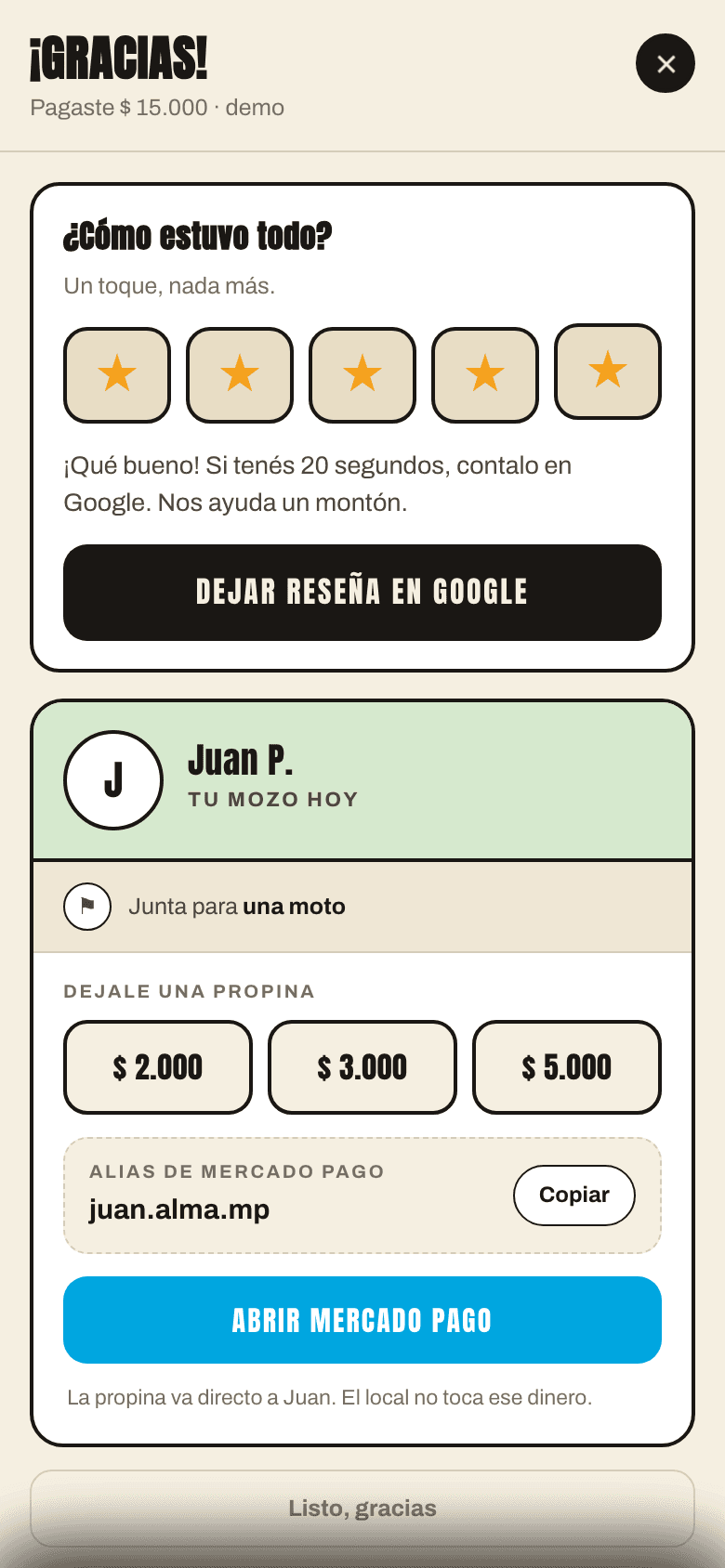
The review request, at the right moment
After the meal, the guest rates the visit in one tap.
- Direct path to Google
- Nobody is blocked: anyone can post
How much does it cost to appear on Google Maps?
A Business Profile is free. You only pay for ads, which are labeled as sponsored; organic ranking can’t be bought.
How long until it shows?
Category and hours fixes, within days. Reviews and prominence build over months of consistency.
Can I delete a negative review?
Only if it breaks Google’s policies (spam, abuse); then you report it. Otherwise, reply calmly and fix the issue.
- #Google Maps
- #local SEO
- #reviews
- #acquisition