POSMI · Canteens
Today's menu on everyone's phone, before they reach the line.
Publish each day's menu with calories and allergens, take pre-orders with a pickup time and see what's ordered most so you cook just enough. No app, for every diner.
- Daily menu on schedule
- Pre-order and skip the line
- Allergens and calories up front
Scan with your phone — it's a real menu
The problem
Day to day in a canteen
The 12:30 line
Everyone eats lunch at the same time. Half the break goes to standing in line, staring at a board nobody can read.
“Does this have gluten?”
Celiacs, vegans and people with allergies ask at the line, and the answer depends on who's serving.
Leftovers here, shortages there
Without data, you cook by guesswork: the stew is left over and by 1 pm the breaded cutlets are gone.
What POSMI does
What POSMI does for your canteen
Menu, ordering, allergens and analytics are free. Anything marked as a module is free to try for 1 month.
Daily menu on schedule
Each day's menu appears on its own at lunchtime, and the night-shift menu at its own time.
Pre-order with a pickup time
Diners order ahead and choose when to pick up. Shorter lines and smoother shifts.
Clear allergens
Allergens come from each dish's ingredients, and diners filter by vegan, vegetarian or gluten-free.
Calories and ingredients
Every dish with a photo, ingredients, calories, protein and portion in grams.
Sold out? Off the menu
Switch off an ingredient and every dish that uses it disappears. Nobody lines up for something that's gone.
Cook just enough
See which dishes sell most over the last 7, 30 or 90 days and plan production with data, not guesswork.
Step by step
A lunch with POSMI
- 01
In the morning
Today's menu is already up. Diners check it on their phone from their desk or classroom.
- 02
Order ahead
They pick their dish and pickup time, filtering out what they can't or won't eat.
- 03
Pick up, no line
They see when it's ready and pick it up with their code. The line is left for those who didn't order ahead.
- 04
The kitchen learns
At the end of the week you see what sold most and adjust quantities.
Try it
Open the menu the way your guests see it
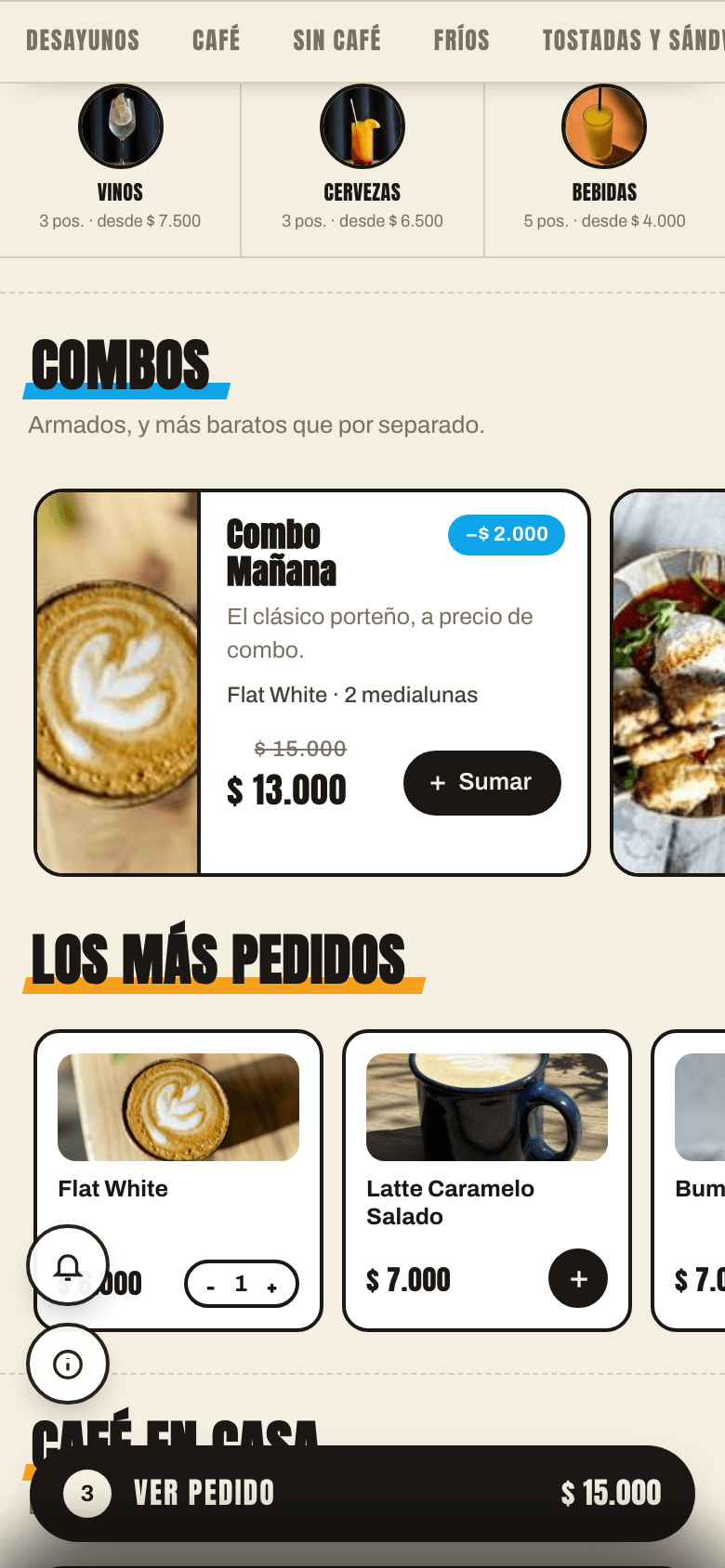
Scan the QR or open the demo: it's a real POSMI menu, with ordering, filters and call-the-server.
Scan with your phone — it's a real menu
Open the demoComing soon: a demo built for your type of venue.
$0
No card, no expiry
Pricing
Start free. Forever.
QR menu, ordering, tables, kitchen and team — unlimited, no card. You only pay for the modules that make you sell more, and you can try each one free for 1 month.
Optional modules: Sales, Reputation and Guests
Frequently asked questions
Do diners have to install anything?
No. They scan the QR at the entrance or open the link on their phone. The menu runs in the browser.
Can I manage several canteens?
Yes. Each site has its own menu, orders and kitchen, and if you like you can see them all in one panel as locations.
Does it work if the company pays for lunch?
POSMI doesn't process payments. We set up the payment methods with you based on how your canteen works, and every order shows how it's paid.
How much does it cost?
Menu, ordering, allergens and analytics are free forever. Menus on schedule are part of the Sales module, which you can try free for 1 month.
Free, really? Where's the catch?
What's free is the floor work: the menu, orders, tables and QR codes, with no limits and no card. We charge only for the modules that grow revenue, and we show that growth in numbers.
Sign up
Register your restaurant
Leave your details and we'll message you on WhatsApp to activate your account. Free, no commitment.
Message us on WhatsAppPOSMI · Canteens
Shorter lines, less waste, better-informed diners.
Register your canteen for free and publish tomorrow's menu today.
Register my restaurantPOSMI is also for
Every format has its own pressure points. See what POSMI does for each one.
- Bars & breweriesRounds from the table when the bar is slammed.
- RestaurantsSteakhouses, family spots and pizzerias: a photo menu and a faster floor.
- Fine diningTechnology you don't see: the service stays human.
- Fast foodBurger joints and pizzerias: shorter lines, combos and bigger checks.
- Cafés & bistrosBreakfast, lunch and afternoon: the menu switches with the clock.
- Specialty coffeeSkip-the-line takeout, the right milk and customers who come back.
- Dark kitchensYour own ordering channel, without app commissions.
- Meal prep & subscriptionsWeekly menu, pre-orders and customers who reorder.
- NightclubsBottles to the VIP table, a faster bar and tonight's event on the menu.
- Shows & eventsStand-up, live music and theater: orders without stopping the show.